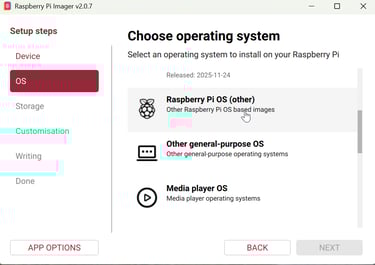
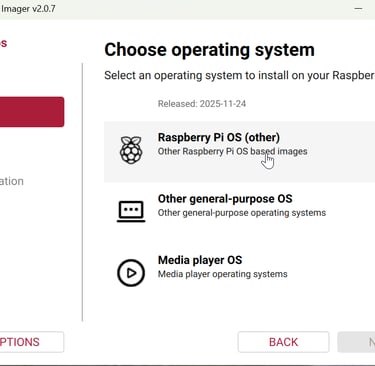
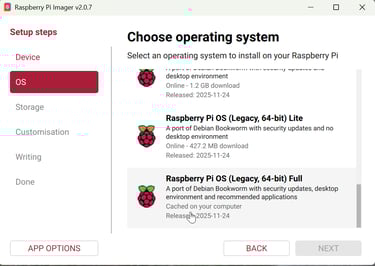
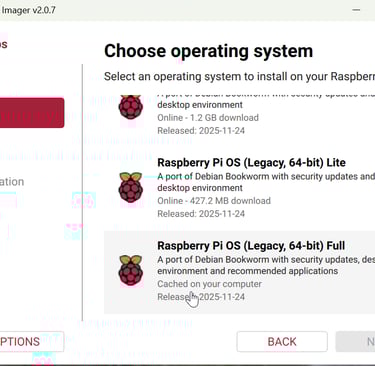
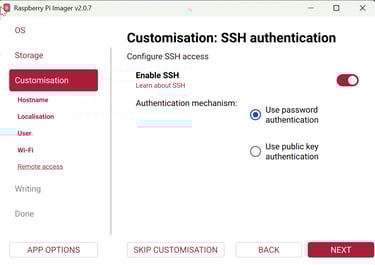
From scratch, open Raspberry Pi Imager and select your device. Next choose OS, Bookworm 64-bit Full is best. Enable SSH.
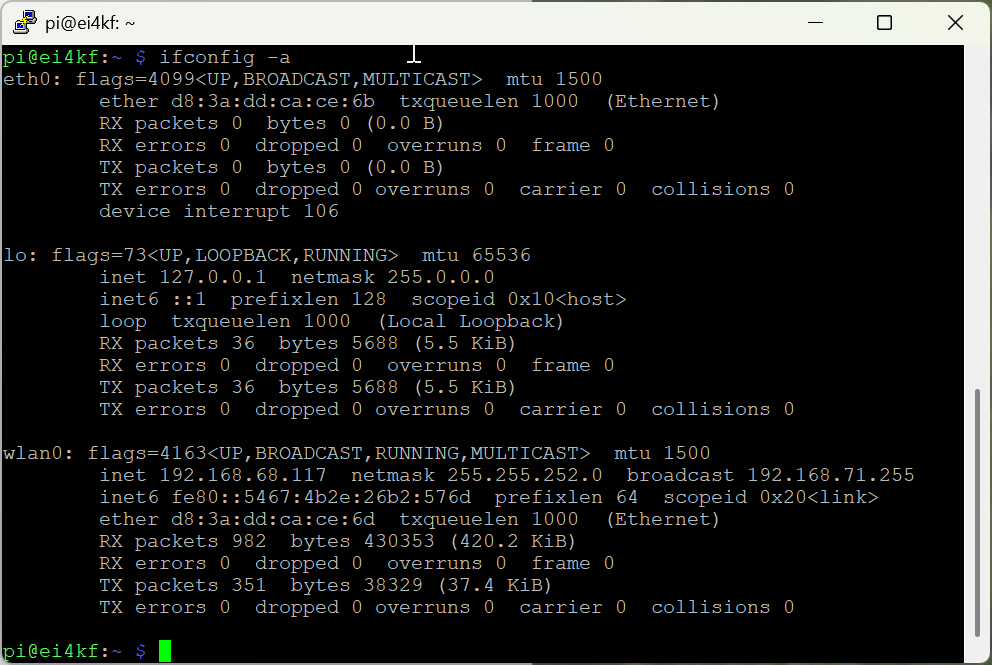
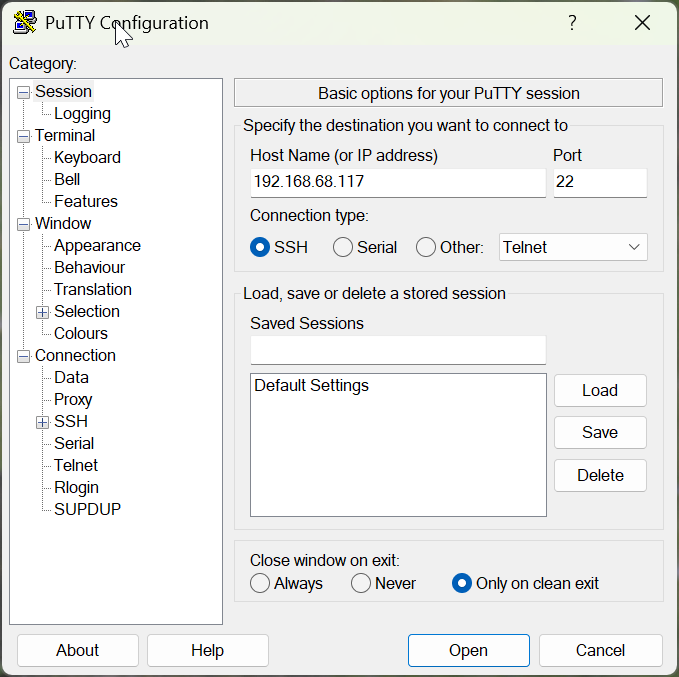
Install Putty to allow SSH into your Pi from Windows. Find your Pi ip-address if you do not already know it with ifconfig -a Either eth0 or wlan0 will show your Pi ip (depends on whether you have ethernet or wifi connection to the Pi).
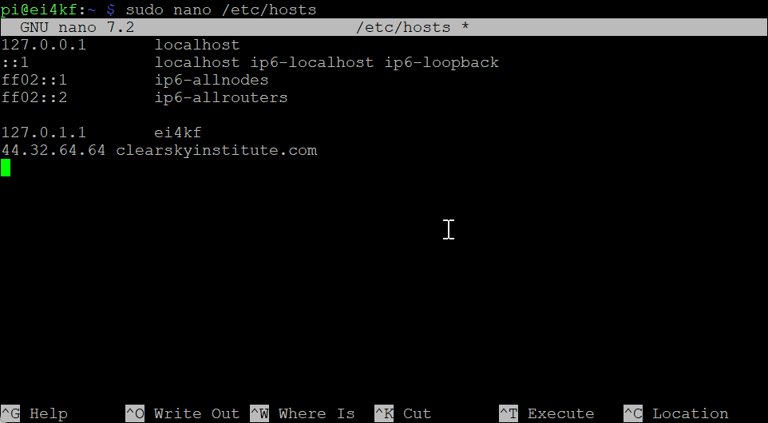
Edit the Hosts file. After opening Terminal at the ESPHamclock folder, use make help to see which sizes can be installed
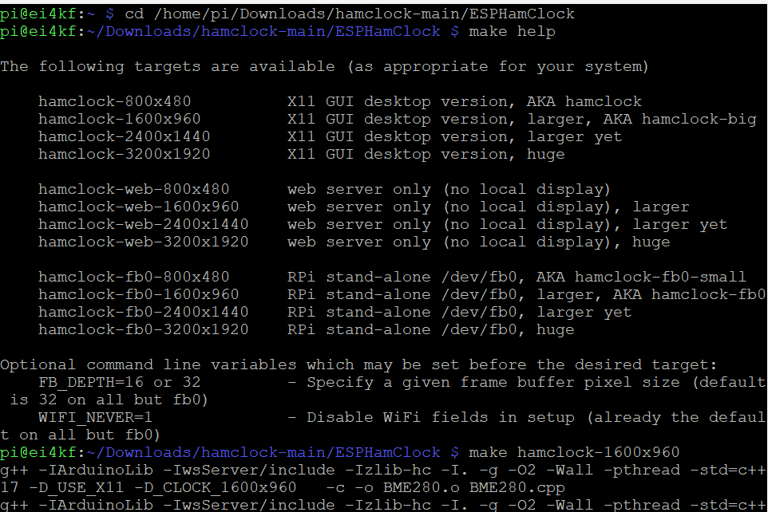
Next is the make hamclock-1600x960 command (or whatever size suits your screen), followed by sudo make install
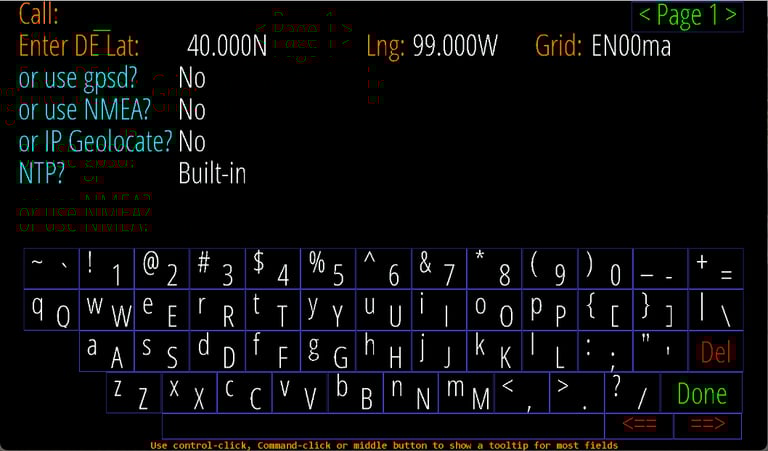
Hamclock will be installed. In Terminal try /usr/local/bin/hamclock & and from here make your Hamclock configuration
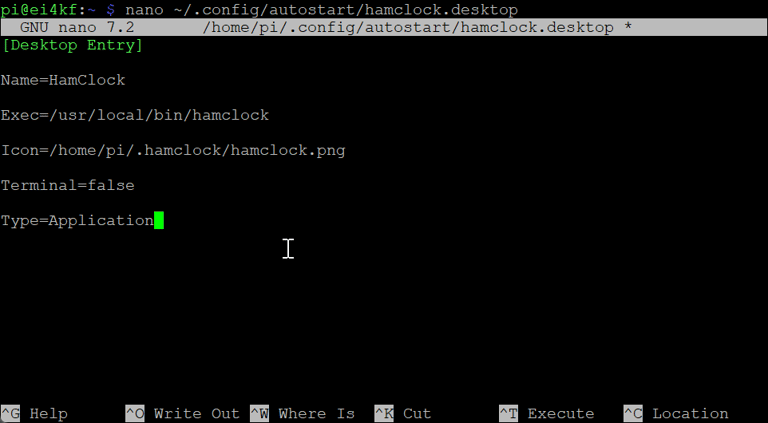
Copy icon to desktop and make it autostart when Pi boots